Gucci9 Mobile Casino Experience
 Available in AU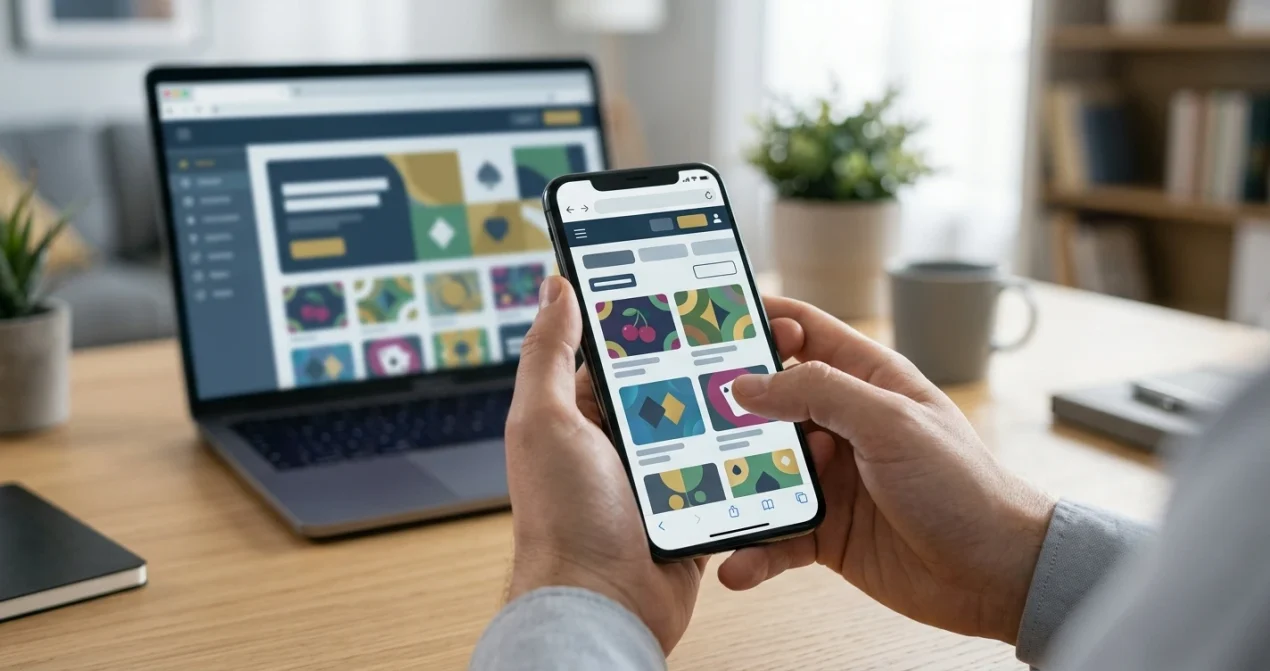
Content
Gucci9 is designed for mobile-browser play, so an app is not required to use the verified mobile experience. Current information confirms browser access on mobile but does not establish a current official Gucci9 listing in the Apple App Store or Google Play. A native iOS or Android app therefore is not presented as a confirmed Gucci9 feature.
For an Australian reader, the useful test is how the browser version handles the tasks that matter on a phone: loading the game lobby, signing in, opening live content, reading payment screens and keeping controls usable on a smaller display. Gucci9’s verified game mix includes slots, jackpot games and live casino content including live baccarat, while AUD support is confirmed for the Australian-facing experience.
What is available on Gucci9 mobile
| Mobile point | Status | Practical meaning |
|---|---|---|
| Mobile-browser play | Verified | You can assess Gucci9 through a phone browser without treating an app as necessary. |
| Slots and jackpot games | Verified game categories | The broader game mix includes these categories, subject to the current mobile lobby. |
| Live casino and live baccarat | Verified game categories | Test stream stability and controls on the device before a real session. |
| AUD support | Verified | Australian-facing account use supports Australian dollars. |
| Native iOS app | Check current store | No current official App Store listing is established here. |
| Native Android app | Check current store | No current official Google Play listing is established here. |
Browser-first is not automatically a disadvantage
A native app can be convenient, but it is not required for a usable mobile casino experience. A responsive browser site can handle sign-in, navigation, games and cashier access without an installation step. It also avoids leaving a casino app installed on the device when browser access is enough for occasional use.
The more important question is whether the browser version works well on your actual phone. Screen size, connection quality, browser version and the complexity of a live game can matter more to the experience than whether an icon was installed from an app store.
Mobile-browser access can be assessed on its own terms. The absence of a current official store listing does not prove that an app can never exist, so browser access and native-app availability should be treated separately.
A five-minute mobile test before depositing
- Open the site in your normal browser. Start with the browser you already trust and keep updated.
- Check navigation at phone width. Make sure menus, account controls and game categories remain readable without awkward horizontal scrolling.
- Open the game lobby. Confirm that filters, thumbnails and game information remain usable on the smaller display.
- Test one game without assuming the whole catalogue behaves the same. Different game formats can place different demands on screen space and connection quality.
- Inspect the cashier. Confirm that currency, transaction values and method names are legible before entering payment details.
- Check account notices. Verification or transaction messages should be easy to find and read on mobile.
- Lock and reopen the phone. Confirm that returning to the browser does not create confusing duplicate sessions or hide important transaction state.
How the game library translates to a phone
Gucci9’s core game mix includes slots, jackpot games, live games and live baccarat. That establishes the categories worth testing on mobile, but it does not guarantee that every individual title will be equally comfortable on every screen.
For slots and jackpot games, pay attention to button size, paytable access, orientation and whether important controls remain visible when browser bars expand or collapse. A game that technically loads can still be inconvenient if essential information becomes cramped.
See games and pokies for the broader catalogue discussion. On mobile, the decision is narrower: can the category you actually want be found quickly, opened reliably and used without sacrificing visibility of the controls?
Live casino needs a stricter mobile check
Live content introduces a video stream as well as interactive controls. Gucci9 offers confirmed live casino content including live baccarat, so that category deserves a separate device test rather than being treated like an ordinary slot.
Open a live table and check whether the video remains stable on the connection you normally use. Make sure the betting controls, game state and table information fit on screen without accidental taps. If the experience becomes difficult in portrait mode, try the orientation supported by the game before deciding whether the phone is suitable for that format.
The live casino section covers the verified live-game scope and the table-level details that should be checked in the current lobby.
Mobile payments deserve their own screen check
A payment method can be supported by the operator while the phone experience still needs inspection. Gucci9 supports AUD, and bank transfer is supported as a payment method, but other methods should be checked in the current cashier rather than assumed from what is common on Australian phones.
Before submitting a transaction, confirm that the cashier clearly shows the currency, method, amount, any displayed limits and any disclosed charges. Avoid making a payment if a browser zoom issue or clipped layout prevents you from reading the full confirmation screen.
For current payment-method details, see mobile payments.
Do not install an APK or profile just because a page says “app”
No verified official store listing for a Gucci9 native app is established here. That means a search result, download button or third-party file should not be treated as proof of an official application.
If a native app ever becomes part of your decision, verify the publisher and listing through the relevant official app store before installation. Do not sideload software merely to recreate a browser experience that already works without an install.
The browser-first route also makes the source easier to inspect because you can see the web address you are using. Bookmark the verified page you intend to return to rather than relying on a lookalike shortcut or a download page with unclear ownership.
Connection quality changes the practical experience
A mobile site can be responsive while a particular session still performs poorly on a weak connection. This is especially relevant to live video, but even a game lobby can feel slow if image assets are being loaded over an unstable network.
Test the site under the conditions you will actually use. If you normally play on home Wi-Fi, a quick cellular test is still useful for understanding how the session behaves when the connection changes. If you normally use mobile data, consider the extra bandwidth of live video before making it your default format.
Do not interpret a single slow page load as proof of a permanent operator characteristic. The practical purpose of the test is to decide whether your device and connection are comfortable enough for the activity you plan to use.
Small-screen account security
Phones encourage fast sign-ins, saved credentials and multitasking, so account habits matter. Use the browser’s normal security features, keep the operating system and browser current, and avoid entering account details through links received from an unknown message.
When switching between the casino, banking and email or verification screens, check that you are returning to the intended site before entering sensitive information. A small screen can make domain details and page context easier to overlook.
These device-use precautions focus on what you can test directly and should not be treated as claims about Gucci9-specific security properties.
When desktop may still be the better choice
Browser-mobile support means the phone can be a workable route, not that it is ideal for every task. A desktop screen can be easier when comparing lengthy terms, reviewing transaction histories, reading dense verification instructions or keeping several reference pages open side by side.
For quick lobby access and ordinary browsing, a phone may be enough. For a high-value deposit or withdrawal check, the additional screen space of a desktop can make it easier to inspect the full transaction detail before submission. Choose the device based on the task rather than assuming mobile convenience should control every step.
Mobile questions worth answering for yourself
- Do I need a Gucci9 app?
- No app is required for the verified mobile-browser route.
- Is there definitely an official iPhone or Android app?
- No current official store listing has been established here.
- Can I use the verified game categories on a phone?
- Gucci9 is designed for mobile-browser play and its verified game mix includes slots, jackpots and live content. Check the current lobby and individual title on your device.
- Does AUD support carry into the mobile experience?
- AUD support is verified for the Australian-facing experience; confirm the currency shown on the mobile cashier before a transaction.
- Should I judge mobile quality from one game?
- No. Test the lobby, the category you care about, the cashier and any live content separately because they place different demands on a phone.
Bottom line
Gucci9’s verified mobile proposition is browser-based. You can assess the site on a phone without an app, with mobile access alongside slots, jackpot games, live casino content including live baccarat, and AUD support.
Do not equate mobile access with a native app. Test the browser experience on your own device, pay special attention to live video and payment screens, and use the linked game and payment pages for deeper category checks. For the full operator assessment, return to the Gucci9 review.
This material was created by the Gucci9 Australia Guide team.
Gucci9 Mobile Casino Experience — More on this topic at gucci9 casino .
See also Gucci9 Payment Methods for Australia .
Related posts
Gucci9 Withdrawals: What to Check Before Cashing Out
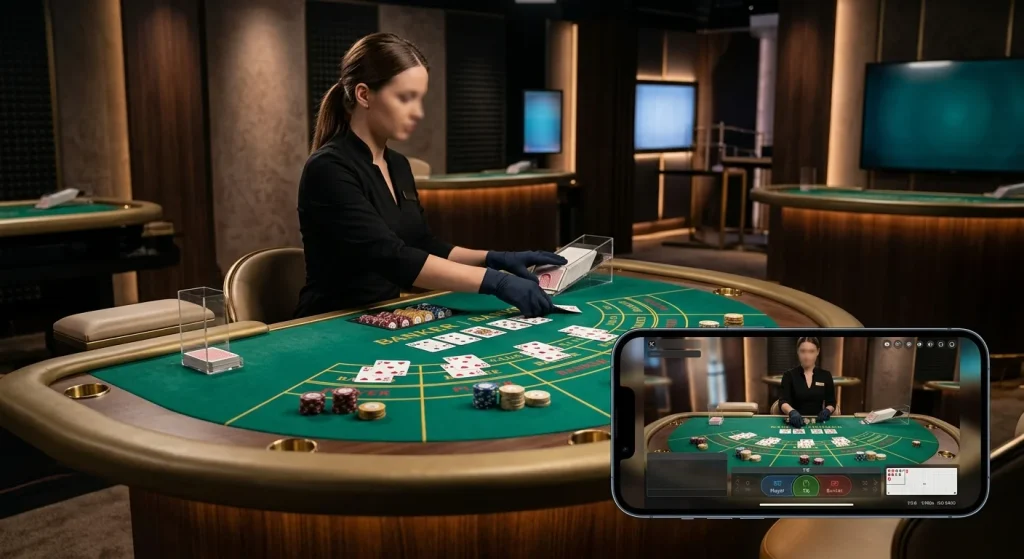
Gucci9 Live Casino